ChatGPT Voice Controlled My Computer on a Walk (2026)

Quick Summary
- ChatGPT Voice computer control is now part of Voice in Work and Codex, not ordinary Voice in Chat.
- I used my phone during a trail walk to steer a paired computer running Codex and build a substantial Lake Ridge real estate guide.
- The substantive work took about 40 minutes by my estimate after excluding an unrelated login delay.
- The experience was impressive but imperfect. Approvals, layout corrections, and lost context after interruptions still required human attention.
Player not loading? Watch this video directly on YouTube.
The first moment that made this feel different happened while I was walking outside. I was not sitting in front of my computer, typing prompts, or carefully managing browser tabs. I was speaking to ChatGPT from my phone while a paired computer at home ran a Codex workflow. That distinction matters. This was not ordinary Voice answering a question. It was ChatGPT Voice computer control inside an authorized Work and Codex environment.
This test crossed a line that felt much more practical than ordinary chat. I could describe an outcome, ask the computer to begin, hear what it was doing, correct the direction, respond to blockers, and keep walking. At one point I had to dodge an unexpected trail hazard while the computer continued building a local real estate guide. That absurd contrast is the best description of the experience.
In this firsthand review
- What ChatGPT Voice computer control actually is
- What I did during the trail test
- What the computer built
- How long the work took
- Where Voice and Codex still struggled
- Permissions, privacy, and human review
- What this means for real estate work
- Frequently asked questions
What ChatGPT Voice Computer Control Actually Is
OpenAI currently separates four ideas that are easy to blur together: Chat, Work, Codex, and Voice. Chat is the familiar conversational experience for questions, search, brainstorming, and everyday help. Work is an agent designed for longer assignments and finished deliverables such as research, reports, documents, spreadsheets, presentations, and Sites. Codex remains focused on software development and technical work, including repositories, local folders, terminals, tools, and commands.
Voice is the live conversational layer. In the desktop app, Voice can be used with Work or Codex to start and coordinate tasks through whatever tools and permissions are available in the selected environment. OpenAI's current documentation now uses unusually direct language: Voice in Work and Codex can control the computer and coordinate across multiple agents. That does not mean it receives unlimited access. It means the agent can act inside an approved environment, with the files, apps, permissions, plugins, and approval rules the user has made available.
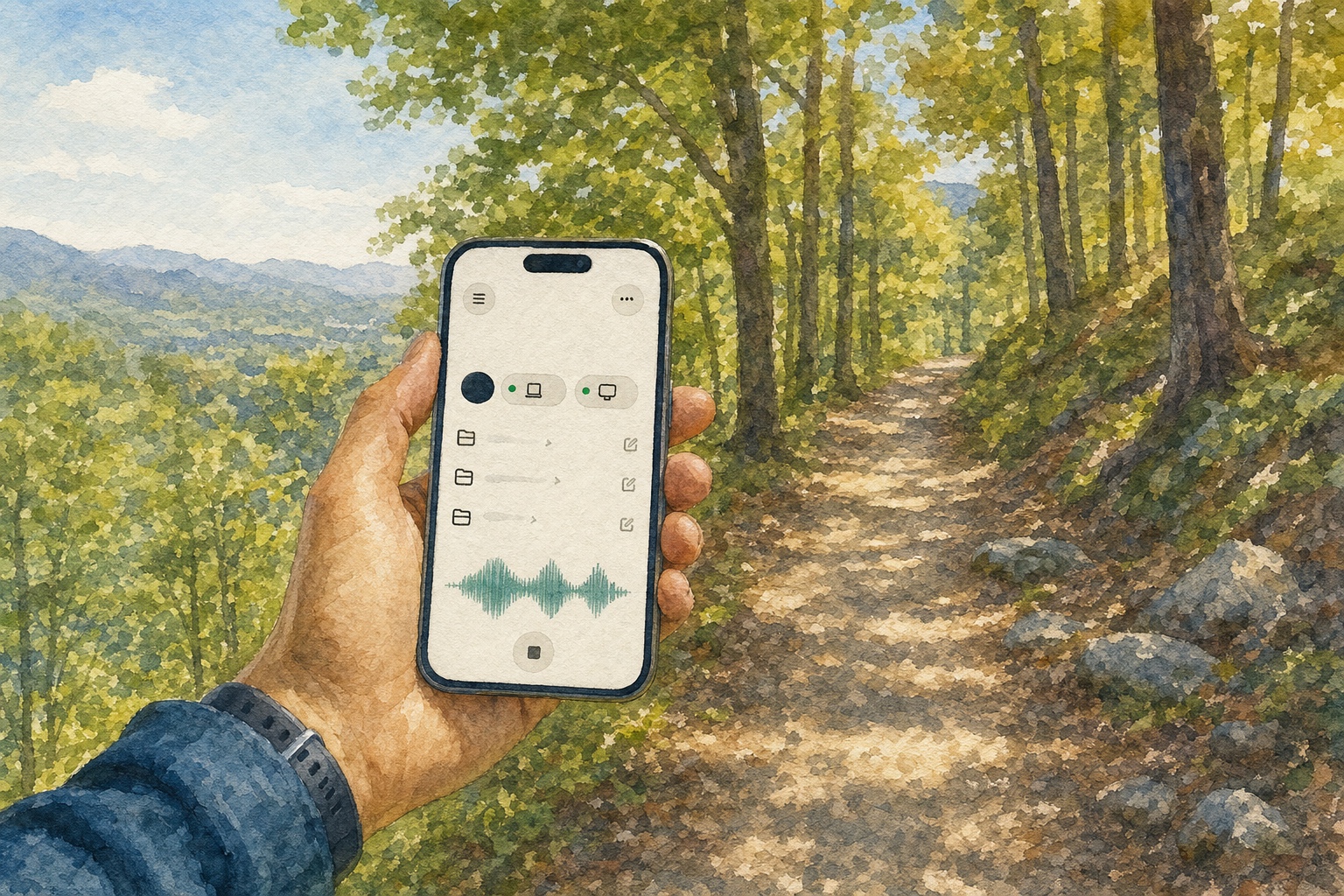
The mobile part of my test was also specific. I was using paired iOS Remote access to stay connected to a supported desktop Codex session. The phone did not become the machine doing the work. The paired computer remained the place where the local files, browser sessions, credentials, permissions, and tools lived. My phone became the steering wheel. I could see the active session, give direction, answer questions, approve actions, and review progress from somewhere else.
That is why calling this simply "new ChatGPT Voice" can be misleading. Ordinary Voice in Chat is still primarily a conversational experience. Voice in Work and Codex is the agentic version. The most accurate description of my test is that I used ChatGPT Voice to direct a Codex-based computer workflow from the mobile app through a paired desktop session.
My Firsthand ChatGPT Voice Trail Test
The task was not a canned demonstration. I wanted to produce a serious local real estate content asset about Lake Ridge, Virginia. The project needed existing research from an authorized Google Drive source, a review of the search opportunity, a long-form editorial structure, a table of contents, more than 20 community images, and a live home-search component near the bottom. It was the kind of assignment that normally pulls me into several tools and keeps me at a desk.
I started by telling the agent where to look for the research. There was some initial confusion about whether the material lived in a document or a folder, so I clarified the source. That was an early reminder that voice does not eliminate the need for precise instructions. When a source can be described in several ways, the agent may still need the exact document, folder, account context, or destination.
Once the research source was clear, I asked the agent to evaluate what a comprehensive Lake Ridge guide should cover. That meant moving beyond a thin neighborhood summary. The page needed to explain the community, organize useful sections, answer practical search questions, place local visuals where they belonged, and connect readers to current homes without pretending that an AI-generated article could replace local review.
The interaction felt less like dictation and more like supervising a capable operator. I could ask what it was doing, interrupt when the plan drifted, and give a correction without rewriting the entire assignment. When the first layout did not feel right, I told it to improve the distribution of images and make the page easier to scan. The computer went back into the work instead of merely explaining how I could fix it myself.
That shift from advice to action is the product's real story. A chatbot says, "Here is how you might build the page." An agentic work environment can inspect the available material, create the page structure, place assets, test an implementation, and return something concrete for review. Voice makes that work easier to direct when a keyboard is inconvenient.
What Codex Built While I Was Away From the Desk
The image problem was the most impressive part of the test. The source folder contained more than 20 community photos, but the files were not all labeled in a useful way. A filename alone did not reliably say whether an image showed a pool, park, trail, amenity, shopping area, or another location. The agent had to inspect the visuals, compare clues with available information, infer what each image most likely represented, and decide where it fit in the page.
I do not want to overstate that result. Visual inference can be wrong, and community images should still be checked by someone who knows the area. But the computer did not simply dump the files into one gallery. It tried to understand the images as editorial evidence and distribute them near the sections they supported. That is a materially different level of assistance.

The finished asset included a comprehensive community overview, a table of contents, images placed throughout the guide, and a live or embedded Lake Ridge home-search experience. It also went through a layout correction after my review. The point is not that the first version was perfect. It was not. The point is that I could supervise the correction while I was physically somewhere else.
This is also where human judgment remained essential. I knew what the page needed to accomplish. I could tell when the layout felt weak, when a source had been misunderstood, and when a local image needed better placement. The AI increased my reach, but it did not supply the business judgment. The same boundary appears in the AgentAIBrief case study on turning a demonstrated workflow into a reusable Codex skill: automation is getting much stronger, but context, accountability, and final review still matter.
Did ChatGPT Voice Really Finish the Work in 40 Minutes?
The recording captured about one hour from beginning to end. Roughly 20 minutes of that time came from an unrelated login problem involving a real estate system on a different computer than expected. After excluding that delay, I estimated that the substantive content workflow took about 40 minutes.
That number should not be treated as a universal benchmark or a guaranteed productivity claim. A repeat run could be faster because the instructions are now clearer, but another task could take longer. Source quality, permissions, connection speed, authentication state, model choice, image count, approval requirements, and the number of corrections all change the outcome.
Start: Define the outcome
Identify the Lake Ridge guide, authorized research source, required sections, images, and live-search destination.
Build: Research and assemble
Review search intent, organize the long-form page, inspect unlabeled images, and create the working layout.
Review: Correct the weak parts
Redistribute visuals, improve scanability, answer approval requests, and check the live component.
Finish: Verify before publishing
Confirm facts, links, images, layout, and the final public experience with human review.
The defensible takeaway is simpler: I supervised a sophisticated, multi-step local content build from my phone in under an hour of active work. The value was not only speed. It was the reduced delay between having an idea and beginning execution. The work started while the idea was still fresh instead of waiting for me to return to a desk and rebuild the entire context.
What Went Wrong With Voice in Work and Codex
The experience was not seamless. Some actions required approval, which is often appropriate for safety but interrupts a fully hands-free rhythm. The first layout needed corrections. Voice occasionally struggled to retrieve a detail that I knew existed elsewhere. The real estate login issue showed that a capable agent is still dependent on the state of external systems and authenticated sessions.
My biggest frustration was context continuity. If I ended the voice conversation, switched away, or received a phone call, the next voice interaction did not always recover the entire working context. I sometimes had to explain the assignment again. That is not a minor issue for long workflows because the value of the experience depends on remaining inside a shared understanding of the task.
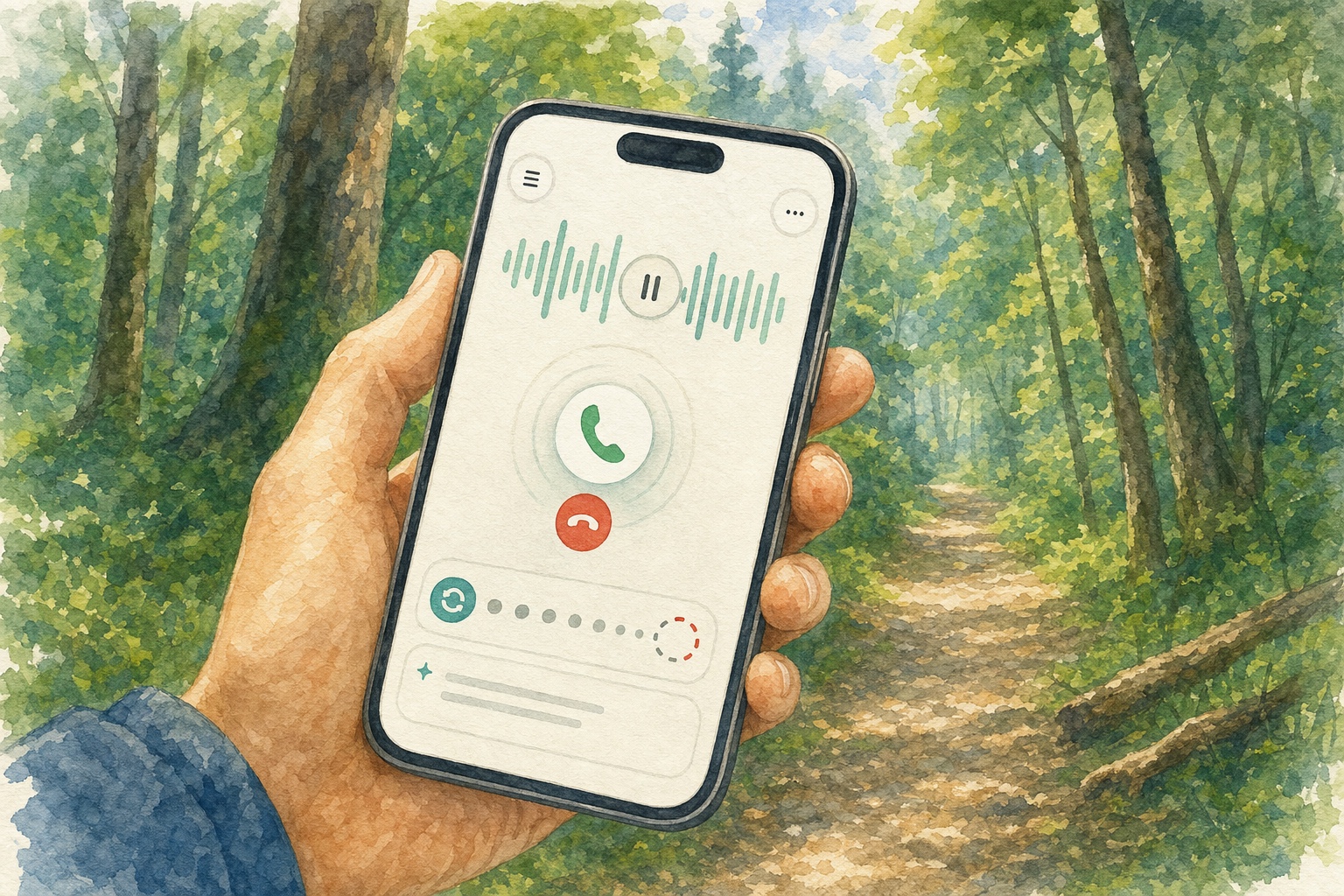
OpenAI's help documentation says only one Voice conversation can run at a time. It also notes that a conversation can end because of a usage limit, maximum session length, or context limit. In my test, the practical lesson was to keep durable task context in the project or thread and not assume that every new voice connection will reconstruct the full assignment automatically.
What this test does not prove
It does not prove that Voice can operate every computer, bypass permissions, publish without review, or complete every task autonomously. My result came from a supported account, a paired desktop session, authorized tools, existing logins, connected sources, clear corrections, and active human supervision.
Permissions, Privacy, and Human Approval Still Matter
The phrase "control your computer" sounds broader than the real product boundary. Voice uses the tools and permissions available to Work or Codex. Microphone access is required for Voice. Depending on the task, desktop context may also require Screen and Audio Recording or Accessibility permissions. Connected apps such as Google Drive require their own authorization. Workspace administrators may separately control Work, Codex Local, browser use, network access, models, and role permissions.
That layered design is a feature, not a nuisance. A useful work agent needs enough access to complete the assignment, but it should not receive more authority than necessary. I still want review points before anything publishes, sends, deletes, changes a live page, uses sensitive information, or communicates externally. The safest workflow is explicit about what the agent may inspect, what it may change, and what requires approval.
Local and cloud behavior also differ. OpenAI says Work on web and mobile runs in the cloud. In the desktop app, eligible Work experiences can use local files and desktop apps with permission. Codex remains a separate desktop view, and supported desktop Codex chats can be accessed through the Remote tab in the mobile app. Local files and outputs remain on the computer unless the user explicitly moves or shares them.
Pricing and usage can change quickly, so I would not build a business case around a fixed per-minute number without checking the current rate card. As of this publication review, OpenAI documents separate metering for connected Voice time where flexible pricing applies, while tasks launched through Voice also use the same agentic usage or credit pool as Work and Codex. The important operational point is that the spoken connection and the delegated work can have separate usage implications.
What This Means for Real Estate Work in 2026
The strongest use case is not replacing the person who knows the market. It is letting that person's judgment direct work without being trapped at a keyboard. A real estate operator can capture an idea during a walk, ask for research, review a draft between appointments, answer a blocker, and return later to a completed or partially completed artifact.
That can shorten the gap between observation and execution. Local content is a good example. The hard part is often not typing paragraphs. It is deciding which topic matters, finding authoritative sources, judging whether the story is useful, choosing the right search intent, identifying the correct images, knowing what needs local verification, and deciding whether the finished result is good enough to publish. Voice can keep the production moving while the human supplies those decisions.
The same principle applies beyond content. Work and Codex can help organize research, create documents, run technical checks, analyze files, build repeatable workflows, and prepare structured outputs. But a responsible real estate business should still protect private information, verify facts, review fair-housing language, and keep licensed judgment around pricing, contracts, negotiations, disclosures, and transaction risk. Readers can explore more local market and technology coverage in the AgentAIBrief guide to using ChatGPT Work for a daily real estate prospect brief.
A practical checklist before using Voice to direct work
✅ Name the exact outcome, source, destination, and review standard.
✅ Confirm which computer and account are active before delegating.
✅ Grant only the files, apps, and permissions the task actually needs.
✅ Keep durable context in the project or thread before ending Voice.
✅ Define approval points for publishing, sending, deleting, or changing live systems.
✅ Review every high-impact output instead of treating an approval prompt as an automatic click.
I would not describe the experience as magic, even though it produced a genuine "Jarvis" moment. The useful part was not the synthetic voice. It was being able to speak an intention while away from the office and have a computer begin turning that intention into a real business asset. The imperfections were obvious, but so was the direction of travel.
My Bottom Line After the First Test
ChatGPT Voice can now control a computer in a meaningful but bounded sense when it is used inside Work or Codex with the right tools, permissions, and paired access. In my test, I used that capability from a trail to supervise a Lake Ridge content build that involved research, search analysis, more than 20 unlabeled images, layout revisions, and a live home-search component.
The system did not work alone. I supplied the objective, clarified the source, corrected the layout, responded to approvals, and judged the final result. The login delay and context interruptions were real. So was the productivity gain. The best interpretation is not that AI removed the operator. It allowed the operator's judgment to reach the computer from somewhere else.
When the work affects a real property decision, technology should support rather than replace human accountability. AgentAIBrief keeps that distinction clear in its guide to building reusable business automations from a skill file: use AI for repeatable production, then keep judgment and final approval with the responsible professional.
Official sources checked July 25, 2026
Product terminology, availability, permissions, and Voice behavior were checked against OpenAI's ChatGPT Work and Codex guide and ChatGPT Voice guide.
Mobile Remote details were checked against OpenAI's Work with Codex from anywhere announcement. Availability and pricing can change, so readers should verify current plan details before relying on them.
Want more practical AI workflows for real estate professionals?
Get the free AgentAIBrief and follow @AgentAIBrief on Instagram for daily AI tips, firsthand tests, and repeatable operating workflows.
ChatGPT Voice Computer Control FAQ
Can ChatGPT Voice really control a computer?
Yes. OpenAI says Voice in Work and Codex can control a computer using the tools and permissions available to the selected experience. It is not unrestricted access, and important actions may still require approval.
Is Voice in Work and Codex the same as ordinary ChatGPT Voice?
No. Voice in Chat is designed for conversational help. Voice in Work and Codex adds an agentic layer that can start tasks, check progress, coordinate work, use available tools, and return finished artifacts.
Can I use Codex from my phone?
Codex is not selectable as a standalone mobile experience. OpenAI supports access to eligible desktop Codex sessions through the Remote tab in the ChatGPT iOS app, where users can review and steer work on a paired machine.
How long did Dustin's first ChatGPT Voice computer-control test take?
The recorded session lasted about one hour, including roughly 20 minutes lost to an unrelated login problem. Dustin estimates that the substantive Lake Ridge content workflow took about 40 minutes.
What did ChatGPT Voice and Codex build during the test?
The workflow produced a comprehensive Lake Ridge community guide with research, search analysis, a table of contents, more than 20 distributed community images, layout revisions, and a live home-search component.
What was the biggest limitation in the firsthand test?
Context continuity was the biggest frustration. Ending the Voice conversation, switching away, or receiving a phone call could make the next conversation lose parts of the working context, which sometimes required the assignment to be explained again.