ChatGPT Can Now Work With iMessage on Mac (2026)
Quick Summary
- OpenAI added an Apple silicon plugin on August 20, 2026 that can read and search iMessage, SMS, and RCS threads from ChatGPT Work and Codex.
- The same integration can prepare or send a text through Apple's app, but OpenAI says the default flow asks for approval of the recipient and final copy.
- This is a desktop workflow for Apple silicon Macs. It is not a general web feature, and current access can still depend on rollout, plan, role, and workspace settings.
- The free Text Thread Command Center package below turns thread history into a daily brief, appointment itinerary, commitment audit, and draft-only follow-up queue.
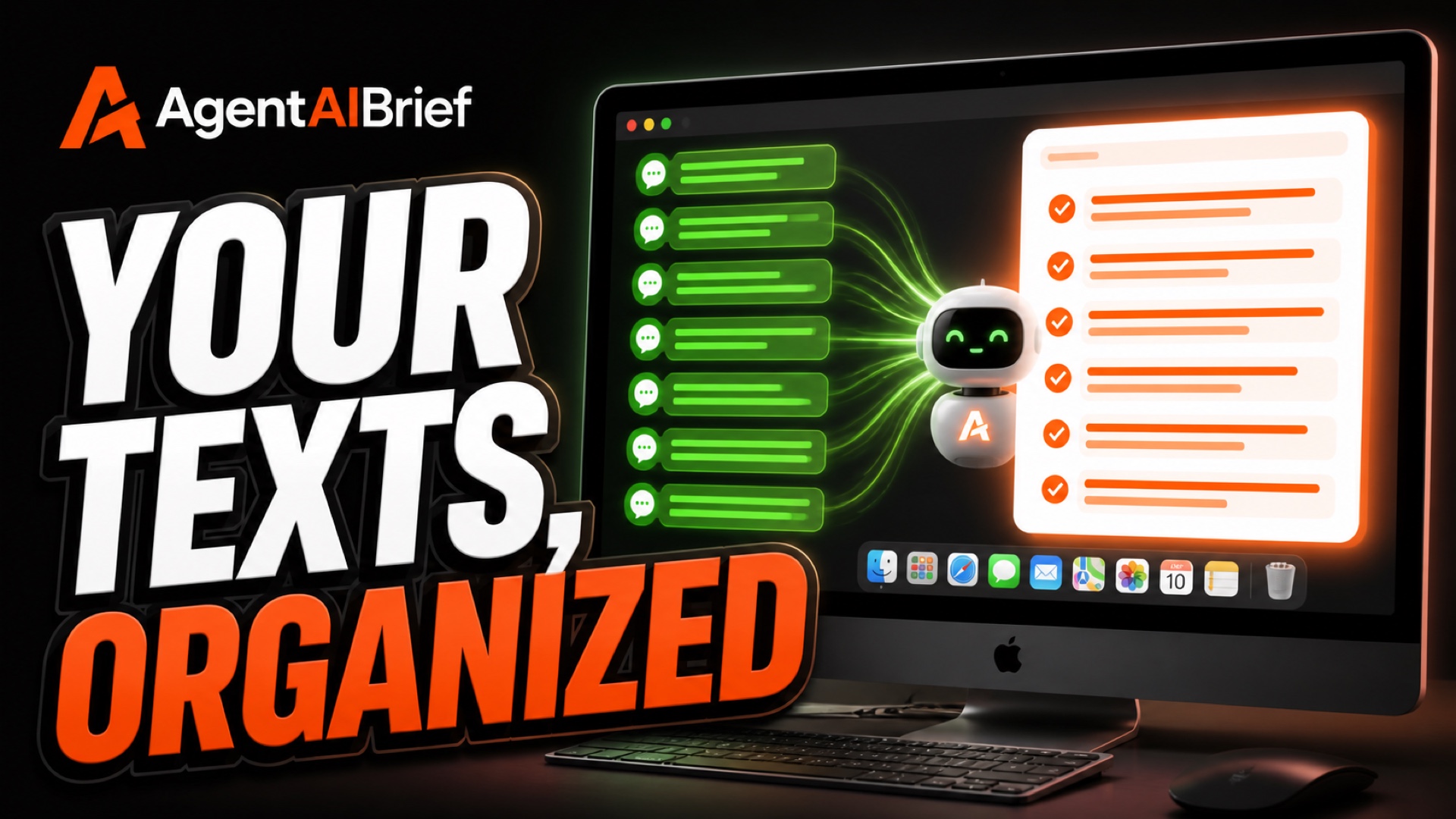
ChatGPT can now work with iMessage on a Mac in a way that changes the practical value of a private text history. On August 20, 2026, OpenAI added an Apple silicon plugin that lets ChatGPT Work and Codex read and search iMessage, SMS, and RCS threads. The integration can also prepare or send a text through Apple's app.
That last capability deserves a hard boundary. OpenAI says the default flow asks the user to approve the final copy and recipients before a send. A useful setup should preserve that checkpoint, not treat it as friction to remove.
The real opportunity is not asking AI to impersonate you. It is turning scattered thread history into a private operating view. Which appointments changed? What did you promise to send? Which questions are still unanswered? What needs attention today, and what can wait? A good workflow answers those questions first and keeps every outbound draft under human control.
Download the Text Thread Command Center Skill
The ZIP is the complete reusable package. It includes the main \SKILL.md\, ChatGPT interface metadata, and five focused reference guides for setup, daily briefing, appointment planning, follow-up review, and privacy. The direct \SKILL.md\ download lets you inspect the core instructions before installing anything.
This is a real skill package, not a renamed prompt. It defines prerequisites, minimum-access rules, an evidence ledger, output contracts, confirmation gates, and a stop condition for uncertain sends. It does not install the plugin, grant macOS access, authenticate an account, or create authority to contact anyone.
OpenAI's skill documentation describes a skill as a folder built around a required \SKILL.md\, with optional references, scripts, assets, and interface metadata. This package follows that structure and has passed the official local validator.
What OpenAI Actually Announced
The official release is narrower and more useful than the biggest social-media claims.
OpenAI's August 20 release notes identify four facts that matter:
- The plugin is for Apple silicon Macs.
- It runs in the current ChatGPT desktop app.
- It is available from ChatGPT Work and Codex.
- It can read and search iMessage, SMS, and RCS threads, then prepare or send a text through Apple's app.
OpenAI also says the default send flow asks the user to approve the recipient and final copy. That is consistent with the company's broader app permission controls, which treat sending or editing a communication as an important external action.
The distinction between the desktop app and this specific plugin is important. OpenAI's macOS download guide says the broader desktop app supports macOS 14 on Apple silicon and Intel. The new text-thread integration, however, is documented for Apple silicon. An Intel Mac that can run the desktop app does not automatically qualify for this capability.
The same caution applies to plan access. The announcement does not establish that every account receives the feature at the same moment. Plugin access can depend on plan, rollout, region, workspace policy, role, and whether an administrator has enabled the required capability. If the integration is missing, update the app and check the plugin directory before assuming the account is broken.
Why This Matters More Than Another Chatbot Feature
Text threads often contain the most current version of a plan. A calendar may still show the original appointment, while a later text moved it by 30 minutes. A CRM note may say a document was requested, while the thread confirms it was already delivered. A task list may contain a generic follow-up, while the recent exchange explains the exact question that remains open.
The problem is that this context is fragmented. It sits across individual threads, group conversations, short replies, screenshots, links, and relative dates such as “tomorrow afternoon.” Finding the important item requires rereading a lot of low-value chatter.
The plugin gives Work or Codex a way to search that context with the user's permission. The skill gives the agent a method for doing something responsible with it.
Instead of a vague request like “tell me what I missed,” the Text Thread Command Center begins by fixing the scope:
- the time window;
- the people or threads to review;
- the output type;
- whether the task is read-only;
- and what must remain a draft.
That simple contract prevents a private review from drifting into an unapproved external action.

Four Useful Real Estate Workflows
The feature becomes valuable when it solves a defined operating problem. These four workflows are practical because they produce reviewable output without replacing professional judgment.
1. Build a private morning action brief
Ask the skill to review a specific window, such as the prior business day, and identify explicit requests, appointments, promises, open questions, and items waiting on someone else.
The output separates urgent work from scheduled work and informational context. Every item includes a source timestamp and confidence label. An explicit “I will send that tonight” is treated differently from a polite exchange that merely suggests future interest.
The goal is not to summarize every thread. It is to find the few items that change today's plan.
2. Assemble an appointment or showing itinerary
A schedule can be reconstructed from explicit time, date, place, access, and participant facts. The skill converts those details into a chronological itinerary and flags missing information before the day begins.
Relative dates receive special treatment. “Next Friday” is not copied blindly. It must be converted against the source timestamp and local timezone, then flagged if more than one interpretation is possible.
Draft confirmation copy can sit beside the itinerary, but it stays unsent until the user approves the exact recipient and exact wording.
3. Audit promises and follow-ups
The skill can scan a chosen period for explicit commitments, requested documents, appointment changes, decisions waiting on the user, and drafts that were prepared but never sent.
Each item is labeled confirmed, likely, or ambiguous. That matters because thread history is full of implied meaning. A good operating system should not convert a casual phrase into a hard promise without evidence.
For a real estate business, this audit can surface a missing property link, an unanswered scheduling question, a requested vendor contact, or a promised update. It should not make legal conclusions, negotiate terms, or substitute for transaction records.
4. Prepare draft-only replies
Once the action queue is verified, the skill can prepare concise drafts that respond to the actual thread context. The drafts remain grouped under a separate section so analysis is not confused with completed outreach.
This separation is the central safety feature. Read, analyze, draft, approve, send, and verify are different stages. Combining them into one invisible automation is a bad idea.

How the Skill Controls Scope
The main skill file begins with five preconditions. It verifies the Apple silicon requirement, confirms the Work or Codex surface, checks that the plugin is enabled, states the review scope, and defaults to read-only work.
From there it builds an evidence ledger. Each relevant item records:
- the contact or thread label;
- the latest useful timestamp;
- the explicit commitment, request, decision, or open question;
- confidence and ambiguity;
- and the proposed next action.
Facts and inference stay separate. The skill uses only the smallest source fragment needed to resolve ambiguity. It does not paste long private exchanges into a public report or shared log.
The final output starts with a compact count of the scope reviewed, threads reviewed, action items, time-sensitive items, drafts prepared, and external actions taken. In the normal read-only workflow, that final number should be zero.
This structure makes the result auditable. If an item appears urgent, the reader can see which timestamp and explicit request support that priority. If a date is uncertain, the result says so instead of quietly guessing.
Setup and macOS Permissions
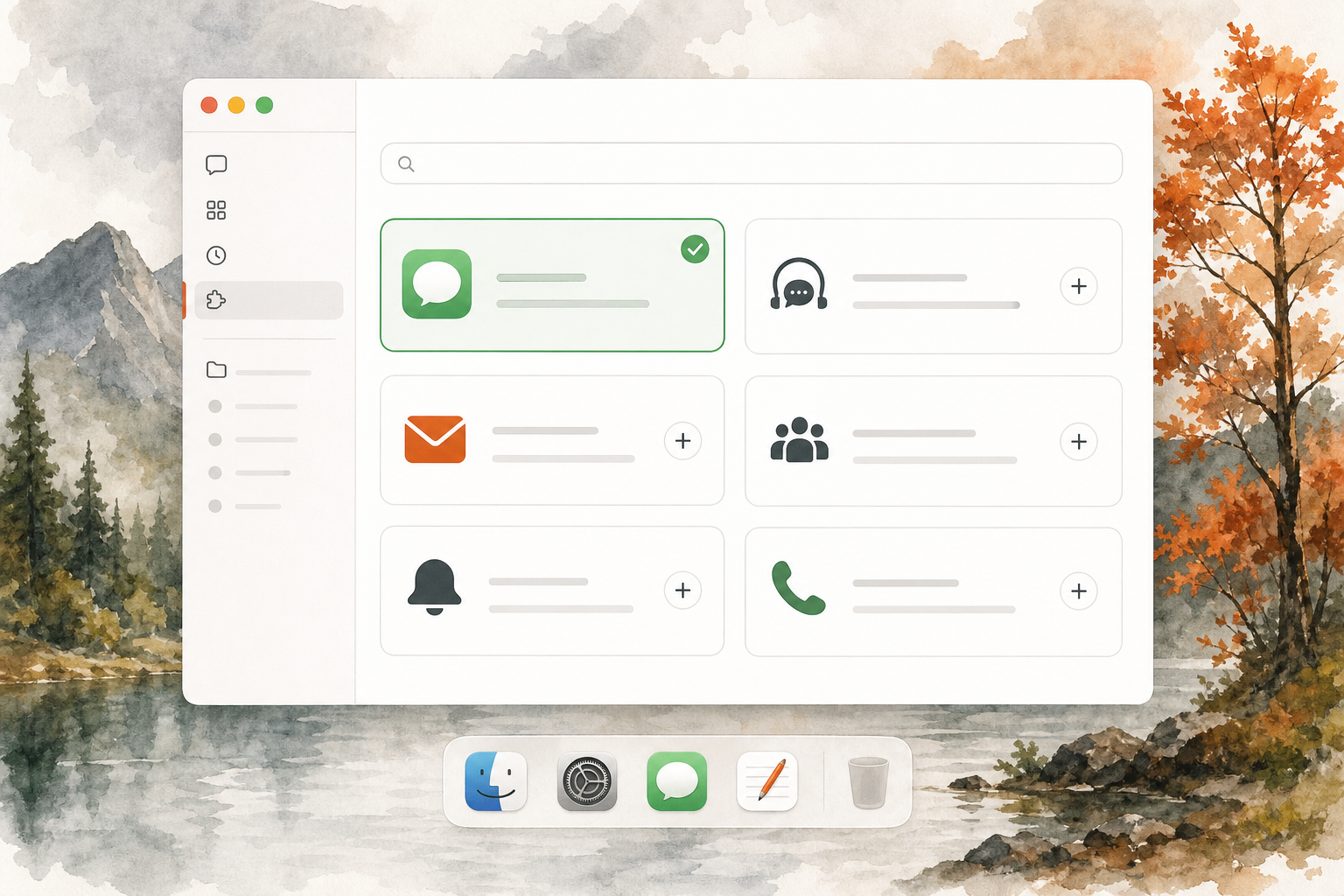
The supplied demonstration shows the plugin directory and a macOS setup sequence involving Automation, Contacts, and Full Disk Access. Those permissions make sense for a local integration that needs to locate recipients, inspect thread history, and hand an approved draft to Apple's app.
Do not click through those prompts casually.
Automation access can let one app direct another. Contacts access can help match a person to a recipient identity. Full Disk Access is broad by design and can expose sensitive local data beyond one conversation. Review the requested scope in System Settings and remove access later if the workflow is no longer needed.
The safest first run is deliberately small:
- Update the ChatGPT desktop app.
- Find the iMessage and SMS integration in the plugin directory.
- Review the listed read and write capabilities.
- Enable it for the intended account or workspace.
- Grant only the macOS access required for the test.
- Ask for a read-only review of one clearly identified thread.
- Compare the result with the source before expanding the scope.
Do not use terminal access, a local database query, AppleScript, or another communication channel as a hidden fallback. If the approved plugin cannot complete the task, stop and explain the missing prerequisite.

Privacy Rules Worth Keeping
Thread history can expose personal contact details, property addresses, financial data, health information, authentication codes, travel plans, and other private context. The fact that the plugin can read a thread does not mean every detail belongs in the output.
The skill uses data minimization as the default. It reads the smallest useful window, avoids persistent raw exports, redacts codes and credentials, and does not copy unrelated private details into shared artifacts.
It also respects stricter host rules. If a business policy forbids contact with a certain recipient category, the plugin does not override that rule. If the user has not approved outreach, a draft remains a draft.
OpenAI's app controls provide several confirmation levels, including asking before every app action or asking before important actions. For a workflow involving private text history, the stricter option is usually the better starting point. Looser settings should be earned through a narrow test, not enabled because one demo looked convenient.
Why Approval and Verification Are Separate
Approval occurs before an external action. Verification occurs after it.
That distinction protects against an ugly failure mode. A user approves one draft, the interface spins, and the agent cannot tell whether the text went out. An unsafe system retries and creates a duplicate. The skill reports an uncertain state and stops.
Positive verification should come from a persisted result in the approved app, not from a click, spinner, or optimistic status label. If the result cannot be confirmed, the audit should say that no retry was attempted.
This rule matters even more when several drafts are prepared at once. Approval should identify the exact recipient and exact body for each item. A blanket “send them all” can hide a stale address, wrong thread, or draft that includes unverified information.
What the Download Does and Does Not Do
The package gives ChatGPT or Codex a repeatable operating method. It does not contain an executable, background daemon, credential, contact list, or copy of anyone's thread history.
It includes:
- one core \
SKILL.md\; - one \
agents/openai.yaml\interface file; - a setup and permission guide;
- a daily action brief guide;
- an appointment itinerary guide;
- a follow-up audit guide;
- and a privacy and safety guide.
Installing the skill does not install the underlying plugin. It does not grant ChatGPT access to a Mac, bypass workspace controls, or authorize a send. The user still needs the supported desktop environment, the plugin, the right macOS access, and an explicit approval for any outbound action.
The package is intentionally small. Its value is not code volume. Its value is the sequence of checks that keeps a private review useful, bounded, and inspectable.

A Responsible First Week
Start with read-only work for several days.
On day one, review one known thread and compare every extracted fact with the source. On day two, request a short action brief from a narrow time window. On day three, test the promise audit and challenge every “likely” classification. On day four, build an itinerary without sending confirmations. On day five, review the permission footprint and delete any private artifacts that are no longer needed.
Only after those steps should you consider one approved send. Use a low-risk recipient, show the final body, accept the native confirmation prompt, and verify the persisted result. If any step feels ambiguous, stop.
The point is not to prove that AI can fire off more text. The point is to create a trustworthy private command center that helps you remember what matters while preserving human judgment around communication.
Official Sources
Product capability and release timing were checked against OpenAI's ChatGPT release notes.
Desktop requirements were checked against OpenAI's macOS app download guide.
Confirmation levels and important external actions were checked against OpenAI's app permission guide and plugin overview.
Availability can change. Check the current plugin listing and workspace policy before relying on any specific surface, plan, or permission sequence.
Bottom Line
ChatGPT's iMessage integration is not interesting because it can produce another summary. It is interesting because private thread history can now become a structured action queue inside Work or Codex on an Apple silicon Mac.
The best use is read-first: review commitments, build an itinerary, find unanswered questions, prepare drafts, and keep every external action visible. The free Text Thread Command Center skill gives that capability a disciplined operating method.
Download the complete skill package, inspect the direct SKILL.md, and start with one read-only thread.
For more practical AI workflows built for real estate, follow AgentAIBrief on Instagram and get the free AgentAIBrief.
ChatGPT iMessage FAQ
What can ChatGPT do with iMessage on Mac?
On a supported Apple silicon Mac, the plugin can let ChatGPT Work or Codex read and search iMessage, SMS, and RCS threads. It can also prepare or send a text through Apple's app, subject to account, workspace, rollout, permission, and confirmation settings.
Does the integration work on an Intel Mac?
OpenAI documents this specific integration for Apple silicon Macs. The broader ChatGPT macOS app can run on macOS 14 with Apple silicon or Intel, but that general desktop compatibility does not make this plugin available on Intel.
Will ChatGPT send a text automatically?
OpenAI says the default flow asks the user to approve the final copy and recipients. The included skill adds a stricter rule: every outbound draft stays unsent until the user approves the exact recipient and exact body, then the result must be verified.
Which macOS permissions may be required?
The supplied demonstration shows Automation, Contacts, and Full Disk Access prompts. The exact sequence can vary. Review every request, grant only the access needed for a narrow test, and remove access later when it is no longer needed.
Is the feature available on every ChatGPT plan?
The official release note does not establish universal plan eligibility. Access can depend on rollout, plan, region, workspace policy, role, plugin installation, and administrator controls. Check the current plugin directory for the account you intend to use.
What is included in the free skill download?
The ZIP includes a core skill file, ChatGPT interface metadata, and five guides covering setup, daily briefing, appointment planning, follow-up review, and privacy. A direct \SKILL.md\ download is also available for inspection before installation.