The AI Skill That Turns One Reel Into a Full Ad Funnel
Quick Summary
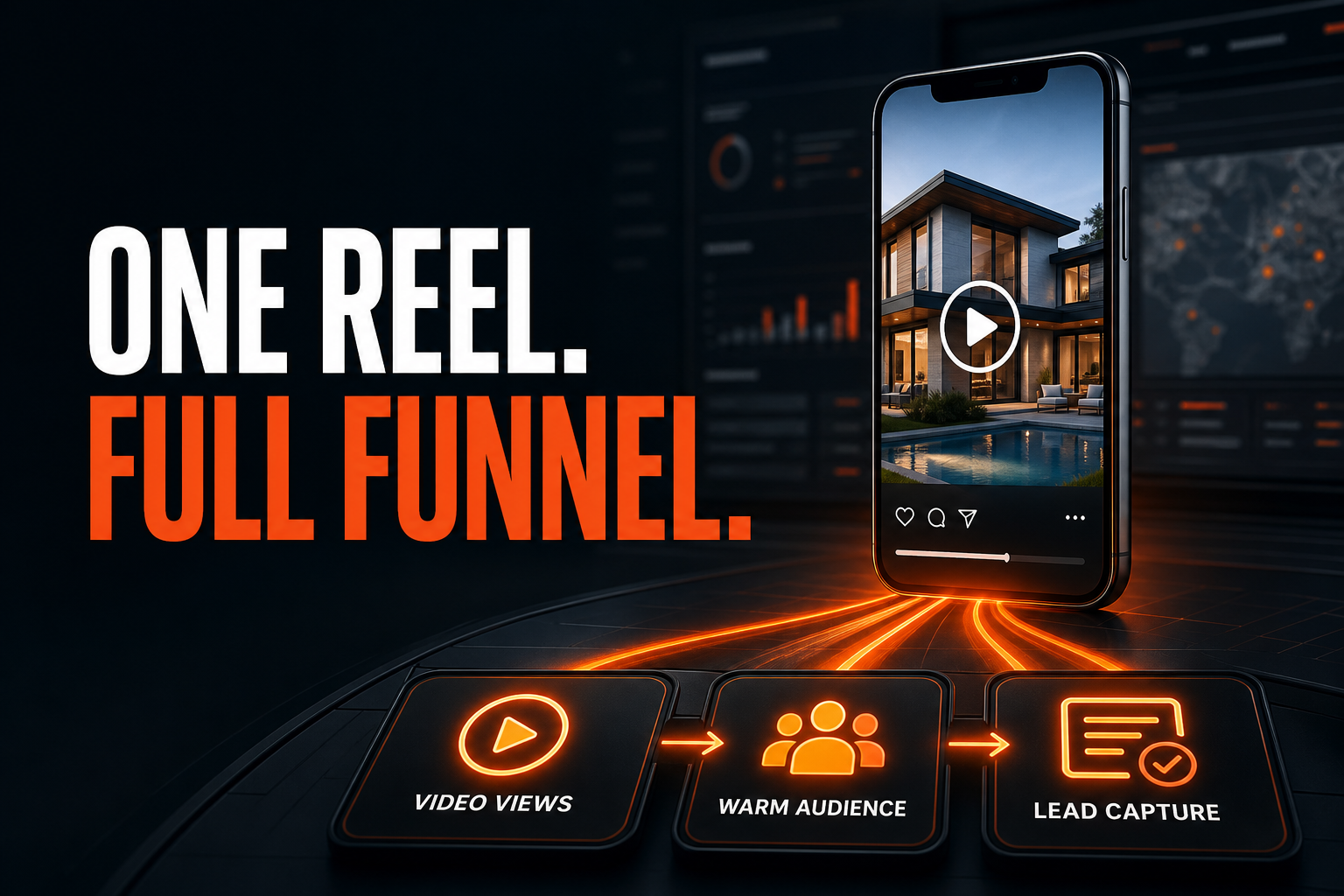
- This Instagram Reel ad funnel turns one existing listing Reel into three connected assets: a video-view campaign, a viewer custom audience, and a retargeting lead campaign.
- The downloadable skill remembers the settings that are easy to miss, including Housing classification, account identity, budget type, schedule, placement controls, the selected Reel, tracking, and final publication state.
- The standard edition works with a normal property landing page. The Sierra edition adds the force-registration tracking-link workflow used by Sierra Interactive teams.
- The agent must ask for missing budgets, dates, audience retention, listing links, and publishing permission. It is not allowed to guess.
- Both complete ZIP packages are available in this article.
Player not loading? Watch this video directly on YouTube.
Most listing Reels get one burst of attention and then disappear into the feed. The Instagram Reel ad funnel in this guide is built to stop wasting that attention. It uses one existing Reel to buy measurable video views, save those viewers as a warm audience, and put a lead offer in front of the people who already watched.
That sounds simple. The execution is not. Meta Ads Manager has campaign, ad set, ad, audience, placement, identity, tracking, form, and policy settings spread across several screens. One wrong post, one incorrect budget type, or one audience-expansion setting can turn a focused retargeting campaign into something else.
I recorded the complete process and converted it into two reusable AI skill packages. One edition is platform-neutral. The second includes the Sierra Interactive force-registration workflow. You can download both below, inspect every instruction, and choose the version that matches your stack.
Download Both Instagram Reel Ad Funnel Skills
The two files share the same campaign architecture and safety rules. The only meaningful difference is how the landing page and registration tracking are handled.
Which version should you use?
Use the standard edition if your property page, CRM, landing-page builder, or lead form already gives you the destination URL you want to advertise.
Use the Sierra edition if you use Sierra Interactive and want the agent to build a full-registration tracking link tied to the listing, source, campaign, lead owner, and action plan before placing that URL in the ad.
Do not install both at once and ask the agent to choose. Pick the version that matches your website. A narrow skill with one clear operating path is easier to review than two overlapping skills competing for the same task.
What the AI Skill Actually Builds
The skill creates a connected three-stage system.
- A paid campaign distributes an existing Instagram listing Reel and optimizes for video consumption.
- A custom audience records people who watched enough of that Reel to meet the selected engagement rule.
- A lead campaign retargets that warm audience with the same listing story, a reviewed form, and a verified destination.

Each stage has one job. The first earns attention. The second preserves the signal. The third asks for the next step.
This matters because a cold video-view campaign and a warm lead campaign should not be treated as one vague advertising task. They use different objectives, different success signals, and different review questions. Separating them makes the funnel easier to audit and easier to repeat across listings.
Meta currently supports video views within its advertising objectives and lets advertisers use manual placements when the objective and ad setup allow it. Meta also says housing campaigns must use the applicable Special Ad Category, and that audience options for housing ads are limited. Those product rules can change, so the skill verifies the live interface instead of assuming that every label will remain frozen. You can review Meta's current guidance on campaign creation, engagement ads, and manual placements.
Why an Existing Reel Is the Better Starting Point
The workflow intentionally selects a Reel that is already published on the correct Instagram professional account. It does not begin by uploading a hidden duplicate video inside Ads Manager.
That choice connects paid distribution to the visible social post. The listing owner, the agent, and the public can see the Reel's engagement and view activity accumulating on the post they recognize. The creative also keeps its original caption, social context, and publication identity.
There is a practical operations benefit too. When every campaign uses the same source post, the team has fewer creative versions to reconcile. The ad report, the Instagram post, and the audience rule all point back to the same piece of content.
The agent still has to prove that it selected the correct Reel. It matches the Instagram profile, caption phrase, media type, and posting date. It never assumes that the first item in Meta's post picker is correct.
Stage 1: Buy Video Attention on Purpose
The first campaign is not trying to collect every possible interaction. Its job is to get the listing Reel watched.
The demonstrated workflow starts with the Engagement objective and the video-view setup available in the live account. It looks for the performance goal that maximizes two-second continuous video plays. Meta also documents this performance goal in its current video-view guidance, while noting that available choices depend on the objective and setup.
The campaign name follows a clear pattern that includes the property address, launch phase, and week. Naming is not cosmetic. It is how the agent later finds the right campaign when building the video-viewer audience.
At the campaign level, the skill verifies:
- the correct business and ad account;
- the Engagement objective;
- Auction buying type when that is the available demonstrated path;
- the Housing Special Ad Category;
- A/B testing off unless requested;
- the exact campaign name supplied or approved by the operator.
At the ad set level, it verifies:
- video views as the engagement type;
- the available two-second continuous video-play goal;
- the exact budget amount and whether Meta treats it as daily or lifetime;
- the exact start and end schedule in the local time zone;
- the listing location and permitted housing radius;
- the requested Instagram placements;
- whether limited spending can leak into placements the operator excluded.
At the ad level, it verifies:
- the correct Facebook Page and Instagram identity;
- the exact existing Reel;
- multi-advertiser settings;
- the requested call to action;
- the destination URL;
- tracking and event settings.
The skill is deliberately conservative around product labels. If Meta changes a label but the intent is still clear, the agent follows the demonstrated outcome and records the new wording. If the change creates real ambiguity, it stops and reports what is visible instead of inventing a substitute.
The Preflight Is More Important Than the Clicking
An automation is only as reliable as the inputs it refuses to guess.
Before building the campaign, the skill asks for the property or listing name, full street address, the existing Reel, video-view budget, end date and time, viewer retention period, retargeting budget, retargeting end date and time, property URL, and form preferences. It also confirms whether the request is to draft or publish.

Missing information is a stop condition. The agent does not choose a convenient budget. It does not invent a campaign end date. It does not guess which Reel the operator meant. It does not accept an unfamiliar generated form without review.
That discipline is the difference between automation and roulette.
The same rule applies to authorization. Saying "draft" or "set up" allows the agent to prepare the campaign and stop before publication. Saying "run," "launch," or "publish" can authorize publication when all required inputs are complete. If the operator's intent is not clear, the skill stops at final review because Publish can start real spend.
Placement Control Without Silent Leakage
The demonstrated video-view campaign keeps the paid distribution on Instagram and uses Feed, Stories, and Reels while excluding Instagram Search Results. Other platforms remain off for this first stage unless the operator requests a different plan.
Meta recommends broader placement coverage for many campaigns, and its delivery system changes frequently. That does not mean the operator has to surrender placement intent. Meta's own help content explains that manual placements remain available for eligible setups.
The important detail is not simply unchecking a box. Meta can display options that allow limited budget to reach excluded placements. The skill checks the final state so an "Instagram-only" campaign does not quietly spend elsewhere.
This is also why the workflow avoids hard-coded screen coordinates. It looks for visible labels, roles, and values in the signed-in browser session. Meta can move a control without invalidating the underlying intent.
Stage 2: Turn Watching Into a Reusable Audience
The second stage creates a video engagement custom audience.
The demonstrated audience rule is people who watched at least three seconds of the selected video. That audience threshold is distinct from the first campaign's optimization goal. Optimizing delivery for two-second continuous plays can create more short video consumption, while the audience itself can be defined using Meta's available three-second viewer rule.
The agent opens Audiences, chooses a video-based custom audience, switches the video source to the correct Instagram professional account, filters by the exact campaign name, and selects the intended Reel. The selected-videos area must show the one expected video.

Then it enters the retention period supplied by the operator. The skill does not silently accept Meta's default retention window. A seven-day audience and a 365-day audience represent very different levels of recency and intent.
The audience name follows the listing name plus "Retargeting." After creation, the agent verifies the source, selected video, engagement rule, retention period, and audience name.
The retargeting campaign is not created until this audience exists and is selectable. That dependency is a hard gate. Otherwise, an agent could accidentally build a broad campaign and label it retargeting even though the warm audience was never connected.
Stage 3: Ask the Warm Audience for the Next Step
The third campaign uses the Leads objective and the new custom audience.
The demonstrated conversion path is website and instant forms. The exact options shown by Meta may differ by account or rollout state, so the skill verifies what is available rather than forcing a stale label.
The retargeting setup checks:
- the Housing Special Ad Category;
- the exact custom audience;
- the listing location and permitted radius;
- the requested budget type, amount, and schedule;
- automated audience expansion;
- the correct Page and Instagram profile;
- the same existing listing Reel;
- the instant form;
- the call to action;
- the final property URL;
- tracking events.
Automated audience expansion deserves special attention. Meta's current Advantage+ audience documentation says audience suggestions can be expanded beyond the profile an advertiser enters, while some audience controls remain strict. Expansion may be useful in many campaigns, but it can defeat the specific purpose of a viewer-retargeting campaign.
If Meta forces material expansion beyond the selected warm audience, the skill stops before publication and reports the issue. It does not pretend that a broad delivery system is still a pure retargeting campaign.
The Instant Form Must Be Reviewed, Not Trusted
Meta may offer to generate an instant form from the destination website. That can save time, but generated does not mean correct.
The agent reviews every screen. It checks property facts, contact fields, question wording, privacy-policy links, disclosures, completion copy, and the destination. It corrects errors before the form is created.
The form should ask only for information the business genuinely needs. More fields can increase friction, while vague fields can lower lead quality. The skill treats the form configuration as an operator input rather than an excuse to accept whatever the interface proposes.
The final lead campaign review checks the form and destination together. The call to action, completion screen, and landing page should tell one consistent story.
What the Sierra Edition Adds
The Sierra edition adds one operational branch before the URL is placed in Ads Manager.
The agent opens the exact public property page and launches Sierra's tracking-link generator. It uses full registration, identifies Instagram as the source, applies the property-specific campaign, assigns the approved lead owner, and selects the requested action plan. It preserves optional routing settings only when the operator has approved them.
The generated tracking URL is copied and tested. The agent confirms that it resolves to the correct listing and that the clipboard does not contain an unrelated value. Only then does the URL become the ad destination.
This version is useful because the campaign, website registration, CRM source, lead owner, and follow-up plan remain connected. A click does not land on a generic page with no attribution. It enters a labeled workflow the team can audit later.
If you do not use Sierra Interactive, use the standard edition. The campaign architecture does not depend on Sierra, and a forced registration path should never be faked for a different platform.
Guardrails Built Into Both Skill Files
The download is not a promise of guaranteed leads. It is a repeatable operating procedure with guardrails.
The skill says:
- never bypass a Meta policy warning;
- never remove Housing classification to recover targeting options;
- never guess a budget, schedule, post, audience, form answer, lead owner, or URL;
- never publish a duplicate after a slow or ambiguous response;
- never expose account IDs, personal email addresses, cookies, or private session data;
- never accept audience expansion that materially changes the requested strategy without surfacing it;
- preserve the draft and report the last verified level when interrupted.
These rules are not friction. They are the reason the workflow is useful.
An AI agent that clicks quickly but cannot explain the final campaign is not an operator. It is a liability. The completion report should show each campaign's status, name, budget, schedule, identity, Reel, placements, location, viewer rule, retention, audience, instant form, call to action, destination domain, and unresolved warnings.
How to Install and Use the Download
Download the ZIP that matches your website, keep the folder structure intact, and add the skill to a workspace or AI environment that supports reusable skill packages and browser control.
Before the first live campaign, use a test request that ends at draft review. Provide a real listing address, identify the Reel precisely, give exact budgets and dates, and ask the agent to stop before Publish. Review the output against the live account.
A useful first request looks like this:
Use the Instagram Reel listing funnel skill. Ask me for every required input before you proceed. Build both campaign drafts and the viewer audience, but stop before any action that can start ad spend.
After the draft workflow passes, a later request can explicitly authorize publication. Keep the first live budget small enough that the team can inspect delivery, lead quality, placement distribution, form behavior, and CRM attribution before scaling.
Do not assume the skill knows your identities or routing simply because the package includes demonstrated defaults. Replace the Page, Instagram profile, landing page, lead owner, action plan, and naming conventions with the values approved for your business.
What This Changes for Listing Marketing
The biggest improvement is not that the AI saves clicks. The improvement is that the strategy becomes repeatable.
Most teams have valuable processes trapped in someone's memory. One person knows which objective to choose. Another remembers the placement setting. Someone else knows how to build the tracking URL. The workflow breaks when any one of them is busy.
A skill file turns that scattered memory into an inspectable procedure. It can ask for the right inputs, follow the dependency order, stop at approval gates, and produce a completion report that another person can audit.
One Reel can now do three jobs without three disconnected creative projects. It introduces the listing, records the people who watched, and gives that warm audience a next step. The human still controls the budget, the message, the form, the audience window, and publication.
That is the right division of labor. The AI remembers the procedure. The operator owns the judgment.
For more examples of turning demonstrated work into reusable systems, read how Record and Replay automated a listing presentation, the exact skill file that finds business automations, and nine AI operating cycles for a real estate business.
Frequently Asked Questions
What is included in the two downloads?
Each ZIP contains a complete skill folder with the main SKILL.md instructions and its agent configuration. The Sierra edition includes the additional full-registration tracking-link path. Both archives have been integrity-tested before publication.
Does installing the skill connect my Meta account automatically?
No. The agent can use only the browser, account, and permissions available in your environment. Confirm the active business and ad account before any campaign work. Never paste cookies or private session tokens into a prompt.
Will the skill publish ads without asking?
Not when used as written. Drafting and publishing are separate permissions. If you ask for a draft, it stops before publication. If authorization is unclear, it should stop at final review.
Why does the first campaign optimize for two-second views while the audience uses three seconds?
They are different controls. The first setting tells Meta how to optimize delivery. The audience rule defines who is included later. The demonstrated funnel buys short video consumption, then builds the custom audience from Meta's available three-second viewer rule.
Can I use the skill without Sierra Interactive?
Yes. Use the standard edition and supply the final property or lead-page URL from your own website stack. The Sierra package is only for teams that need Sierra's full-registration tracking workflow.
Does this guarantee leads?
No. It standardizes execution. Results still depend on the listing, creative, offer, market, budget, audience size, form, landing page, and follow-up. Inspect performance and lead quality before increasing spend.