Meta Ads Trick: Turn Listing Videos Into A $5 Retargeting System
The $5 Meta ads trick is not really about the five dollars.
It is about turning a listing video into a reusable audience-building system.
Most real estate agents post a listing video, get a small spike of attention, and then let that attention disappear. The smarter move is to package the video well, post it organically first, then use a small paid campaign to build an engagement audience you can retarget later.
That is where Codex, HyperFrames, Instagram, and Meta Ads Manager fit together.
The simple version:
- Use Codex to prepare the video structure.
- Use HyperFrames to package the listing video with captions and motion.
- Post the finished Reel organically.
- Use Meta Ads Manager to boost engagement or video views compliantly.
- Build a warm audience from people who watched or engaged.
- Retarget that audience with the next useful real estate message.
This is not a workaround for Meta housing rules. Treat listing and real estate content as housing ads when required. The advantage is better creative, better sequencing, and better follow-up.
Step 1: Start With The Listing Video
Begin with a real listing video, walkthrough clip, neighborhood market update, or short vertical clip that already makes sense organically.
The video should answer one clear question:
- What is interesting about this home?
- What changed in this local market?
- What should a seller or buyer understand?
- What makes this listing worth watching?
Do not start inside Ads Manager. Start with the content itself.
Weak creative makes cheap media buying pointless. A $5 campaign behind boring content is still boring. The goal is to create a video someone would stop for even if no ad dollars were behind it.
Step 2: Use Codex To Build The Video Plan
Codex is useful here because it can turn a repeatable listing video format into a system.
Give Codex the listing notes, the video angle, the audience context, and the required compliance boundaries. Ask it to produce:
- A short hook
- Caption beats
- Lower-third callouts
- Suggested on-screen stats
- A safe CTA
- A checklist for final review
The prompt can be simple:
Build a compliant real estate listing video package for Instagram Reels. Keep claims factual. Do not target protected classes. Describe property and market features, not who the home is for. Produce caption beats, on-screen callouts, and a final review checklist.
That last sentence matters. Real estate ads need review. AI can prepare the asset, but it should not be the final approver.
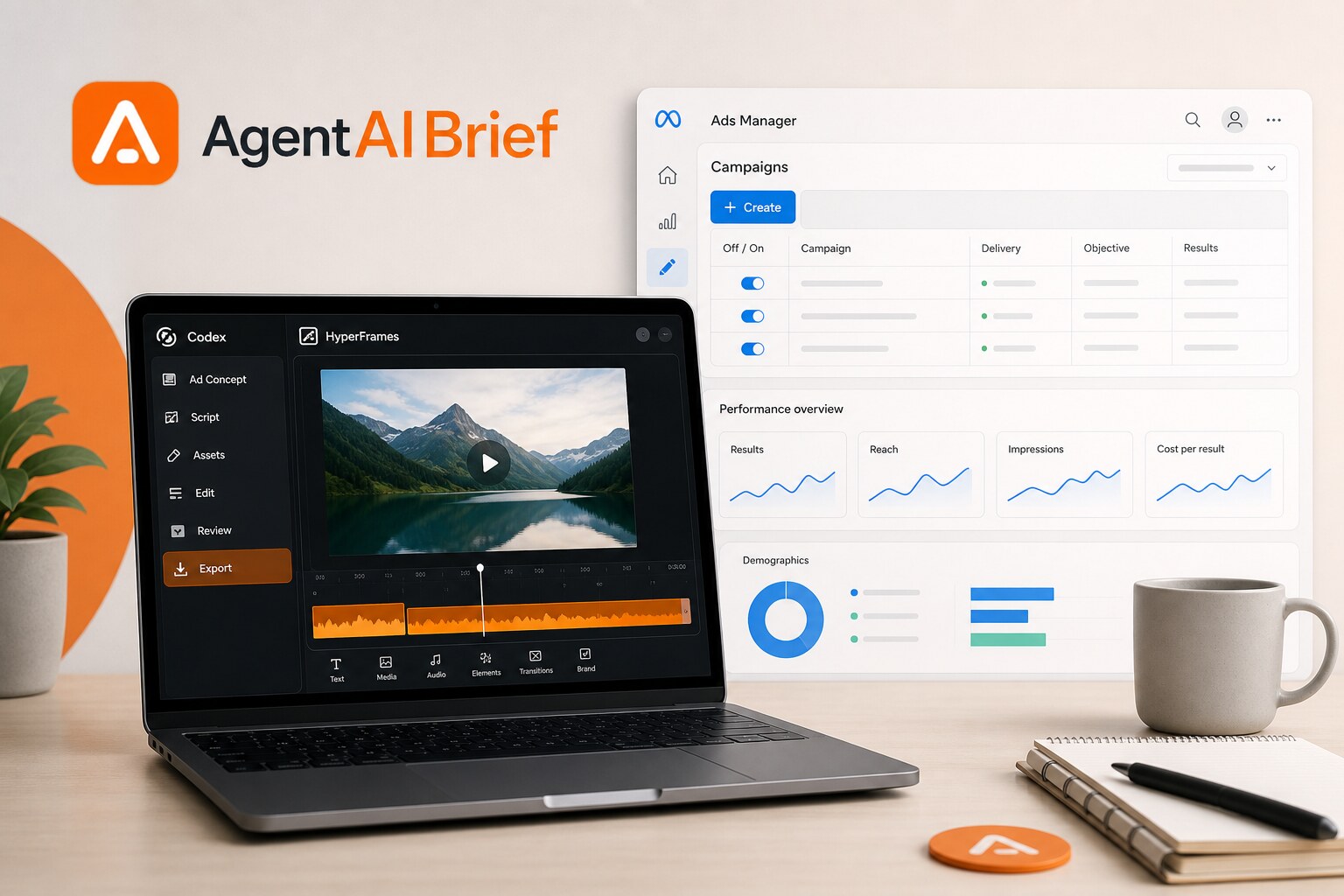
Step 3: Use HyperFrames To Package The Video
HyperFrames is where the video becomes more than a raw clip.
You can add:
- Clean captions
- Hook text
- Motion callouts
- Timeline cards
- Price or market context
- A branded end screen
- A simple CTA
The best format for Instagram is usually vertical, fast, and clear. Keep the first three seconds focused on the reason to watch.
Bad hook:
New listing in Fairfax.
Better hook:
This Fairfax listing shows exactly why pricing strategy matters in 2026.
That second hook gives the viewer a reason to keep watching. It also avoids language about the type of person the home is for.
Step 4: Post It Organically First
Post the video as a normal Instagram Reel before building the ad.
This gives you a real post URL or existing post inside Meta Ads Manager. It also lets the video collect early organic engagement.
Use a caption that stays factual:
- Mention the city or neighborhood.
- Mention the listing or market point.
- Avoid protected-class targeting.
- Avoid language like "perfect for families" or "ideal for young professionals."
- Invite people to comment a keyword if you are pairing the post with automation.
For example:
This Fairfax listing is a good reminder that presentation and pricing work together. Comment META if you want the workflow I use to turn listing videos into retargeting campaigns.
Step 5: Open Meta Ads Manager
Inside Meta Ads Manager, create a new campaign.
For listing-related or housing-related content, choose the required housing special ad category when Meta requires it. Do not try to dodge this. The category exists for a reason, and compliance problems are not worth a cheap lead.
Depending on the current Meta interface, you may see campaign objective options like engagement, traffic, leads, or awareness. For this workflow, the useful starting point is usually engagement or video views because the goal is to build a warm audience from people who interacted with the video.
Step 6: Keep The Budget Small
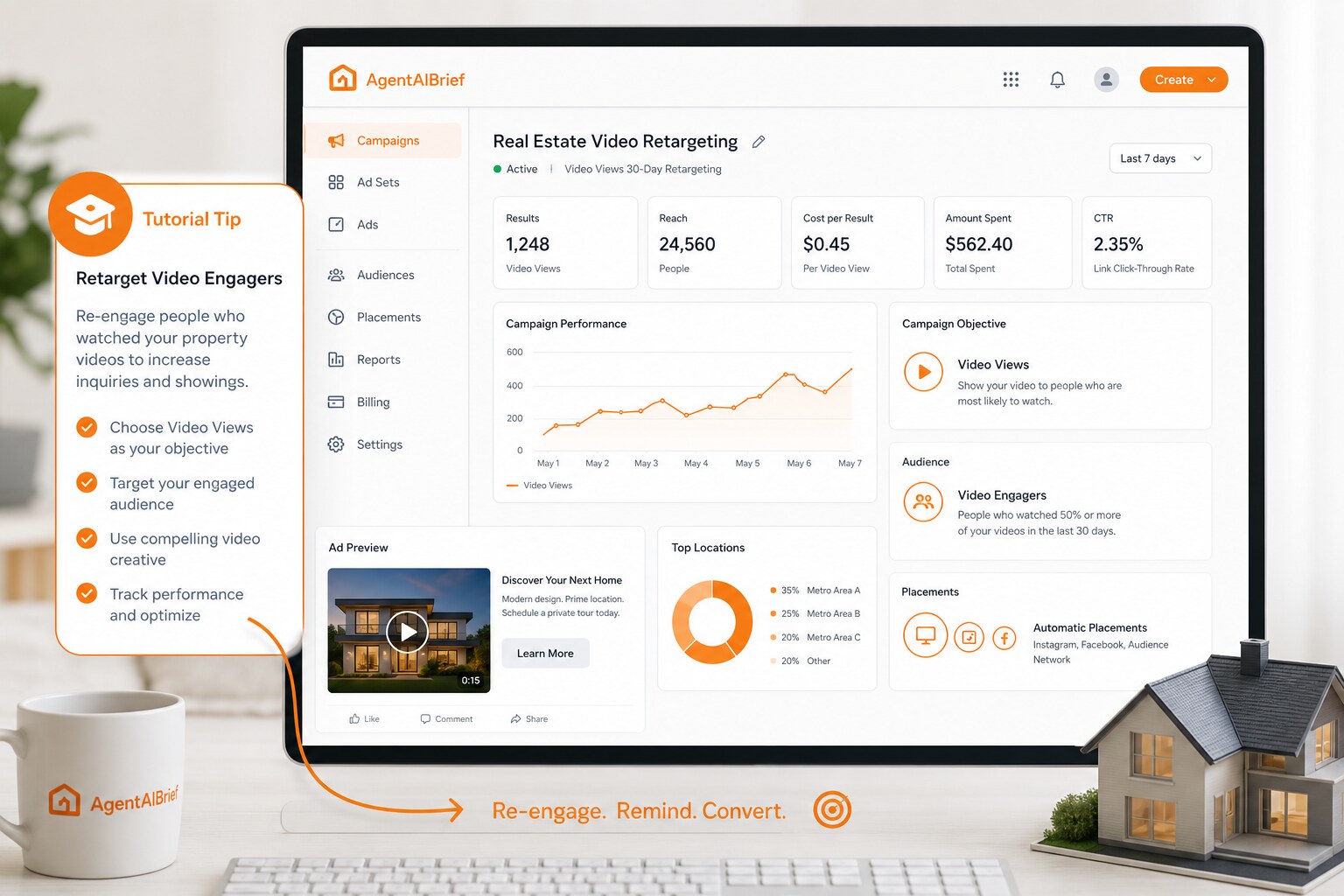
This is where the $5 idea comes in.
Set a small daily budget, such as $5/day, or a small lifetime test budget.
The goal is not to dominate the market with one campaign. The goal is to create a repeatable paid layer behind content you are already making.
If the video is strong, even a small spend can create a useful pool of viewers and engagers. If the video is weak, the small budget limits the damage and gives you feedback quickly.
Step 7: Use The Existing Instagram Post
When Meta asks for ad creative, choose the existing Instagram post if the workflow allows it.
This keeps social proof attached to the original Reel and avoids rebuilding the ad from scratch. It also means the organic post and paid version are tied together.
Check the preview carefully:
- Does the video display correctly?
- Are captions readable?
- Does the thumbnail make sense?
- Is the CTA factual?
- Is the copy compliant?
- Does the post avoid protected-class targeting?
Do not skip preview. Small mistakes become public fast.
Step 8: Build The Warm Audience
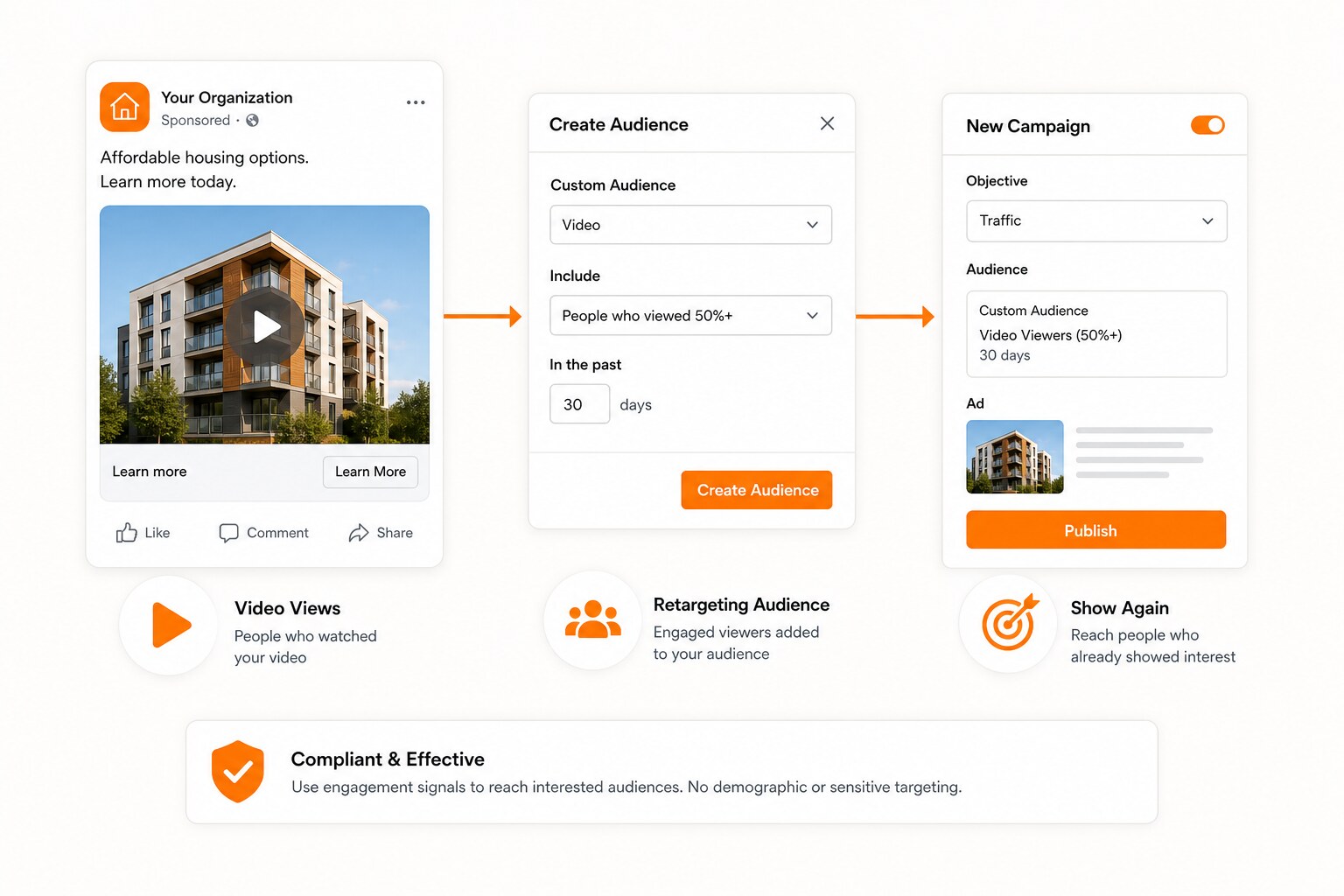
After the campaign runs, create or update a custom audience based on engagement.
Depending on Meta's current tools, useful audience sources can include:
- People who watched part of your video
- People who engaged with your Instagram account
- People who engaged with the post
- People who opened or interacted with your content
For real estate content, keep the compliance rules in mind. Do not use the workflow to target or exclude protected classes. The value is behavioral engagement with your content, not demographic narrowing.
Step 9: Retarget With The Next Useful Message
The follow-up should not always be "buy this house."
Better retargeting messages include:
- A seller prep checklist
- A market update
- A pricing strategy explainer
- A home valuation offer
- A behind-the-scenes listing launch video
- A local inventory breakdown
The point is sequence.
One listing video creates attention. The retargeting ad gives that attention somewhere useful to go next.
Compliance Notes For Real Estate Agents
Any listing-related campaign can create housing-ad compliance issues if you treat it casually.
Use these guardrails:
- Declare the housing special ad category when required.
- Describe the property, market, or process.
- Do not describe who the home is "for."
- Do not imply preference based on protected classes.
- Avoid "family-friendly," "perfect for young professionals," or similar language.
- Review fair housing language before publishing.
- Keep client and listing facts accurate.
- Get human approval before spending money.
The better frame is:
AI prepares. The agent reviews. Meta distributes. The audience signal improves the next campaign.
The Weekly System
This gets powerful when you repeat it.
Every week:
- Pick one video.
- Package it with Codex and HyperFrames.
- Post it organically.
- Put a small compliant budget behind it.
- Build or refresh the engagement audience.
- Retarget with the next useful piece of content.
- Review the results.
Over time, your listing content stops being one-and-done.
It becomes a library of warm audience signals.
That is the real trick.
Not cheap ads.
Better sequencing.
Want more practical AI workflows for real estate agents? Subscribe to AgentAIBrief and follow @AgentAIBrief on Instagram for daily AI tips and workflows.